Cashback confusion
Users could not quickly separate wallet money from cashback rewards.
A cashback wallet experience designed around clarity, trust and everyday value. The research explored how people understood balance, rewards, payment confidence and security inside a digital wallet.
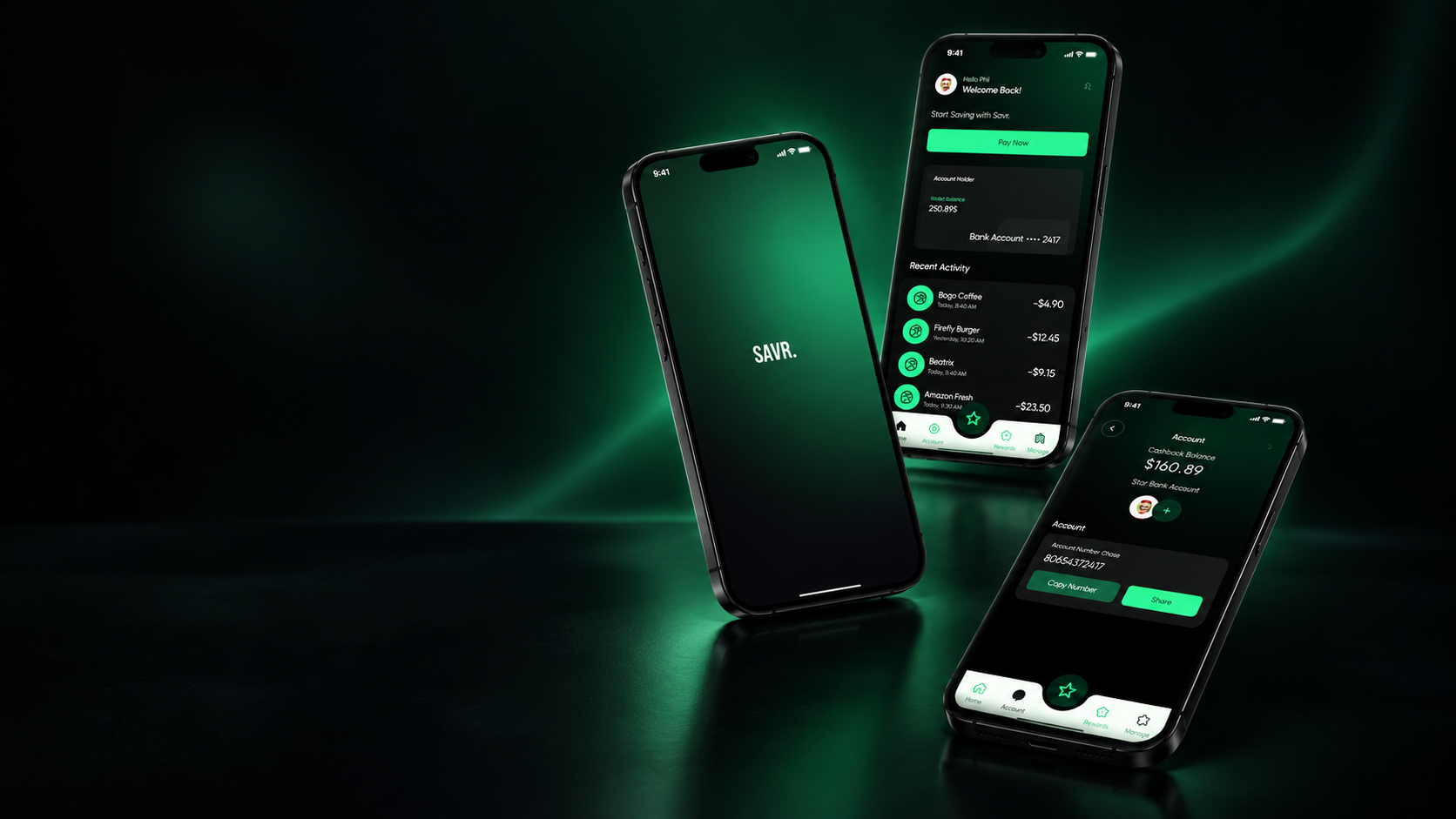
This was a collaborative group project. My contribution focused on UX research, usability evaluation, synthesizing findings and refining the prototype based on the issues we identified together.
The wallet was meant to help users save through cashback rewards, discover eligible stores, complete payments and track recent activity. Testing showed that users needed stronger clarity around balance, rewards, payment actions and security.
Users could not quickly separate wallet money from cashback rewards.
The primary payment action was not placed where users expected it.
Users missed nearby cashback stores because the map did not feel important.
Users wanted stronger security cues before connecting a bank account.
The study focused on realistic wallet moments: checking cashback, finding offers, paying, linking accounts and understanding rewards after a transaction.
Participants moved through the prototype while explaining what felt clear, confusing, risky or useful.
I looked at where users hesitated, what they missed and what actions they expected to be easier.
Issues were grouped by impact so the redesign could focus on cashback clarity, Pay Now visibility and store discovery.
The redesign direction makes cashback visible before payment, confirms it after payment and separates reward money from regular balance so users do not have to guess.
Users needed a clearer split between wallet balance and cashback balance so they could understand what money was available and what rewards had been earned.
Nearby cashback stores are visible and easier to discover.
Pay Now is visible without searching through the interface.
Cashback confirmation appears directly after payment.
Reward history gives users a reason to return.
Compare the old and redesigned interface using task time, errors and satisfaction.
Suggest deals based on spending patterns, store preference and location.
Add clearer bank linking reassurance, biometric login and safer verification.
Show cashback trends, spending insights and progress toward rewards.
The redesign focused on making rewards visible at the right moment: before payment, during store discovery and after transactions. The biggest UX lesson was that financial interfaces should not make people guess. Money states should feel obvious.