See it
Lighting concepts are shown through visual examples instead of long technical explanations.
A product photography learning system that makes lighting visual, simple and hands on. Learners explore Key Light, Fill Light, Back Light, Bounce Cards, shadow behavior and placement through short lessons, visual examples and instant feedback.
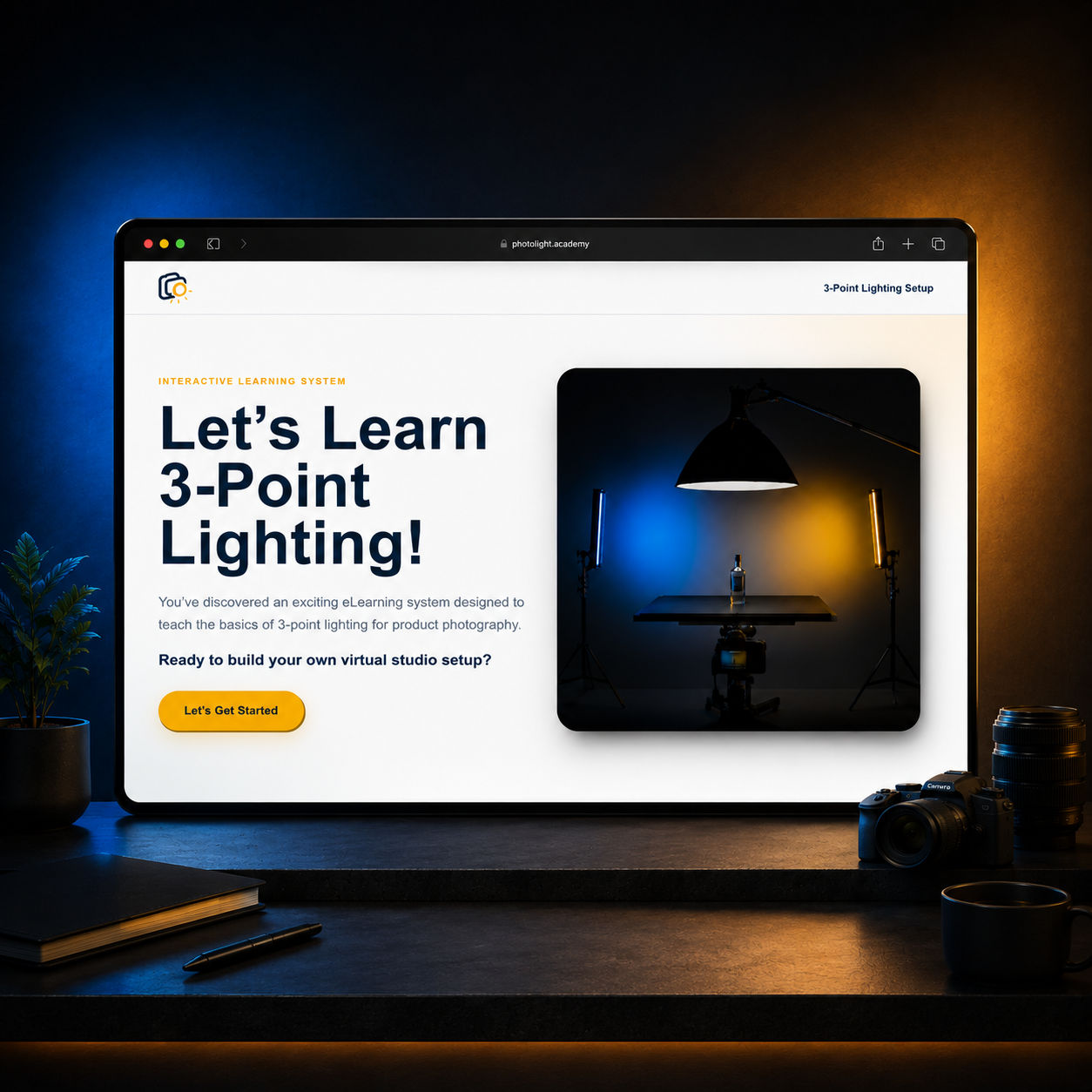
This project came from my own experience with design and photography. I would photograph objects and feel like something was off, but I could not always explain the issue. Over time, I realized lighting was usually the reason. Harsh shadows, flat lighting, weak depth and poor separation can make even good work look unfinished.
Switch between the original teaching approach and the direction that made LightLab more visual and hands on.
The first direction treated lighting like a topic to read about: introduce the tools, explain what they do and then move to the next concept.
Lighting concepts are shown through visual examples instead of long technical explanations.
Learners interact with lights, shadows and placement decisions inside the lesson.
The final challenge asks learners to apply lighting knowledge to improve a product photo.
The target learners already care about how their work looks. They may understand basic composition and visual quality, but lighting decisions are harder because the cause and effect is not always obvious.
Key Light, Fill Light, Back Light and Bounce Card are introduced as visible decisions.
Identify, explain, recognize, adjust and apply lighting decisions.
Minutes for a focused interactive studio lesson.
Learners need to connect each lighting choice with a visible change in the photograph.
Click a cluster to isolate the notes and see how each theme shaped the learning experience.
I focused on why beginners can notice a bad product photo but struggle to explain which lighting decision caused it.
Instead of adding more screenshots, I kept the structure visible as three simple learning frames.
Introduce the lighting tool through a clear visual result.
Let learners compare shadow, depth and separation through interaction.
Use a final challenge to choose the best lighting fix for a product photo.
The final interface uses large type, soft white space, deep blue studio tones and yellow light accents to make the learning experience feel clear and creative.
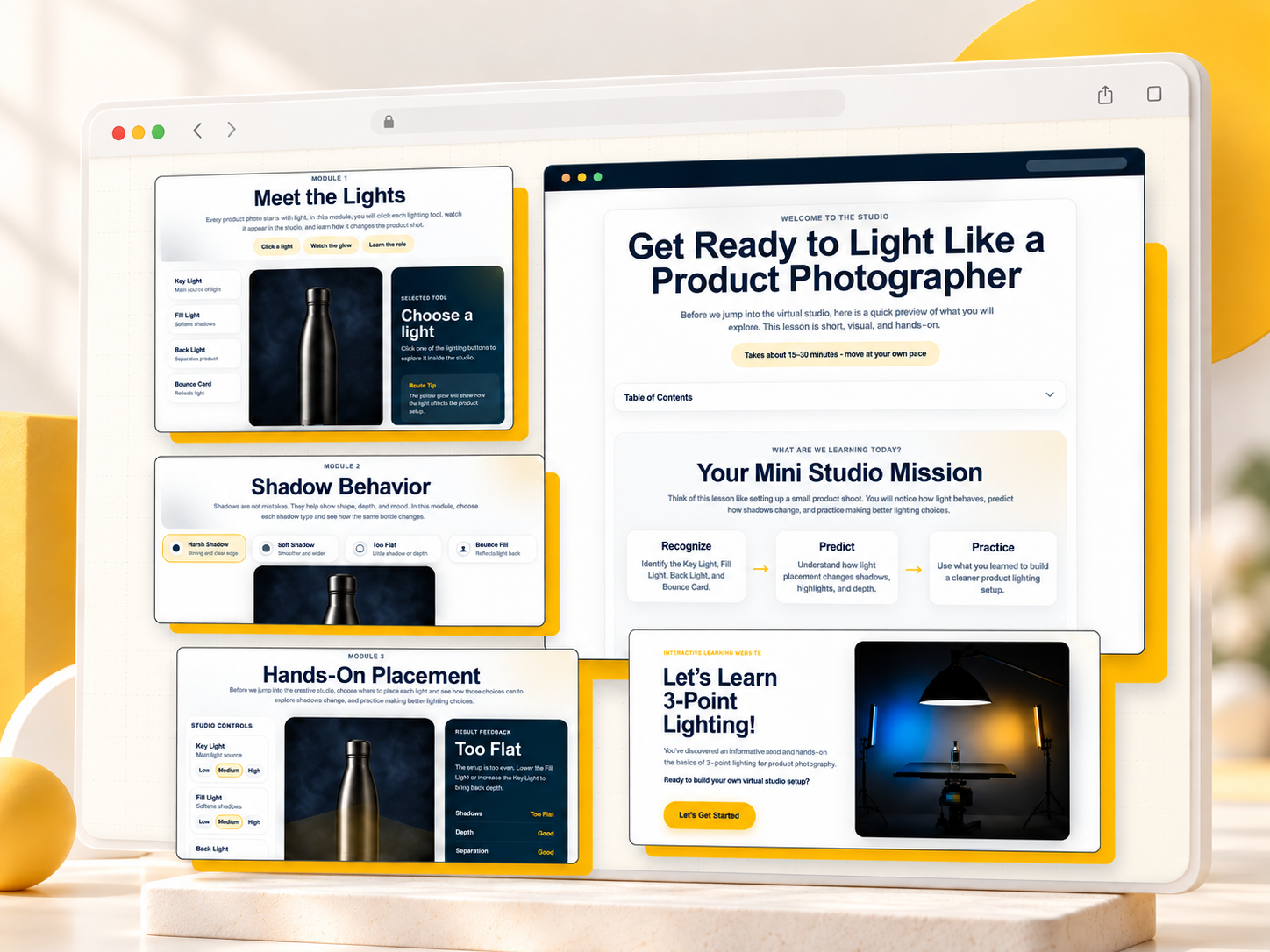
The final website lets learners move through the lesson, interact with lighting ideas and apply what they learn instead of only reading about photography.
Open the live LightLab experience and move through the studio lesson.
Open LightLab Studio ↗This project helped me understand that it needs structure, interaction and feedback. For a creative skill like photography, learners need to see what changes, test choices and understand why something works. LightLab Studio turned lighting from a confusing technical topic into a guided visual experience.